Einleitung
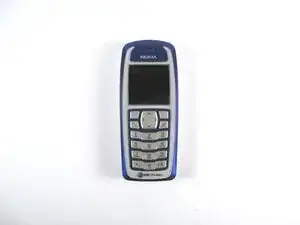
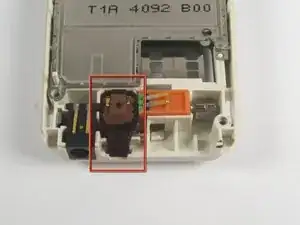
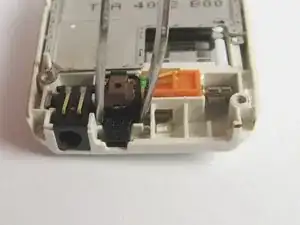
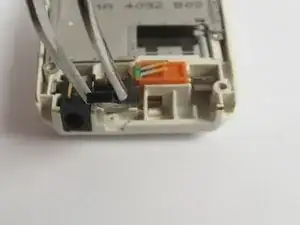
This guide will show you how to access the phone's microphone, the component that receives sound when making a call. This guide has a moderate difficulty and should only take about 15-20 minutes!
Werkzeuge

-
-
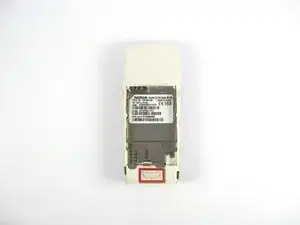
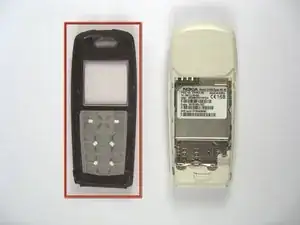
Press the button on the back of the phone and slide the back panel off.
-
Remove the battery by pulling it from the phone.
-
-
-
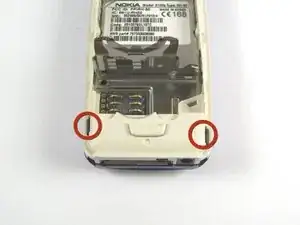
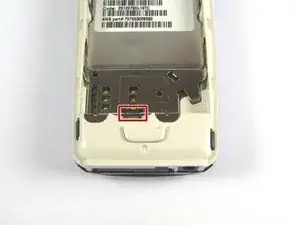
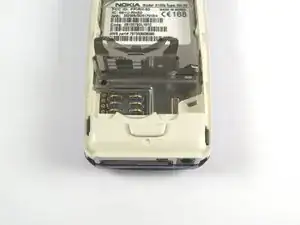
Gently pull back the small metal frame holding the SIM card into place, and lift open the frame.
-
-
-
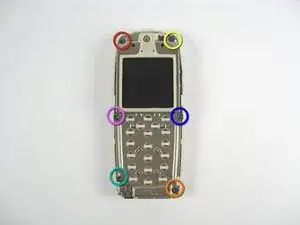
Remove the screws as they are indicated in the order of the colors of the rainbow. (Red, Orange, Yellow, Green, Blue, Purple.)
-
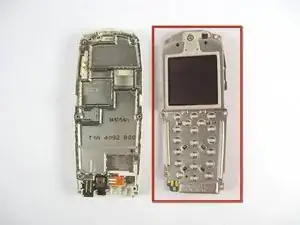
Remove the screen assembly from the phone base.
-
Set the screen assembly aside.
-
Abschluss
To reassemble your device, follow these instructions in reverse order.